
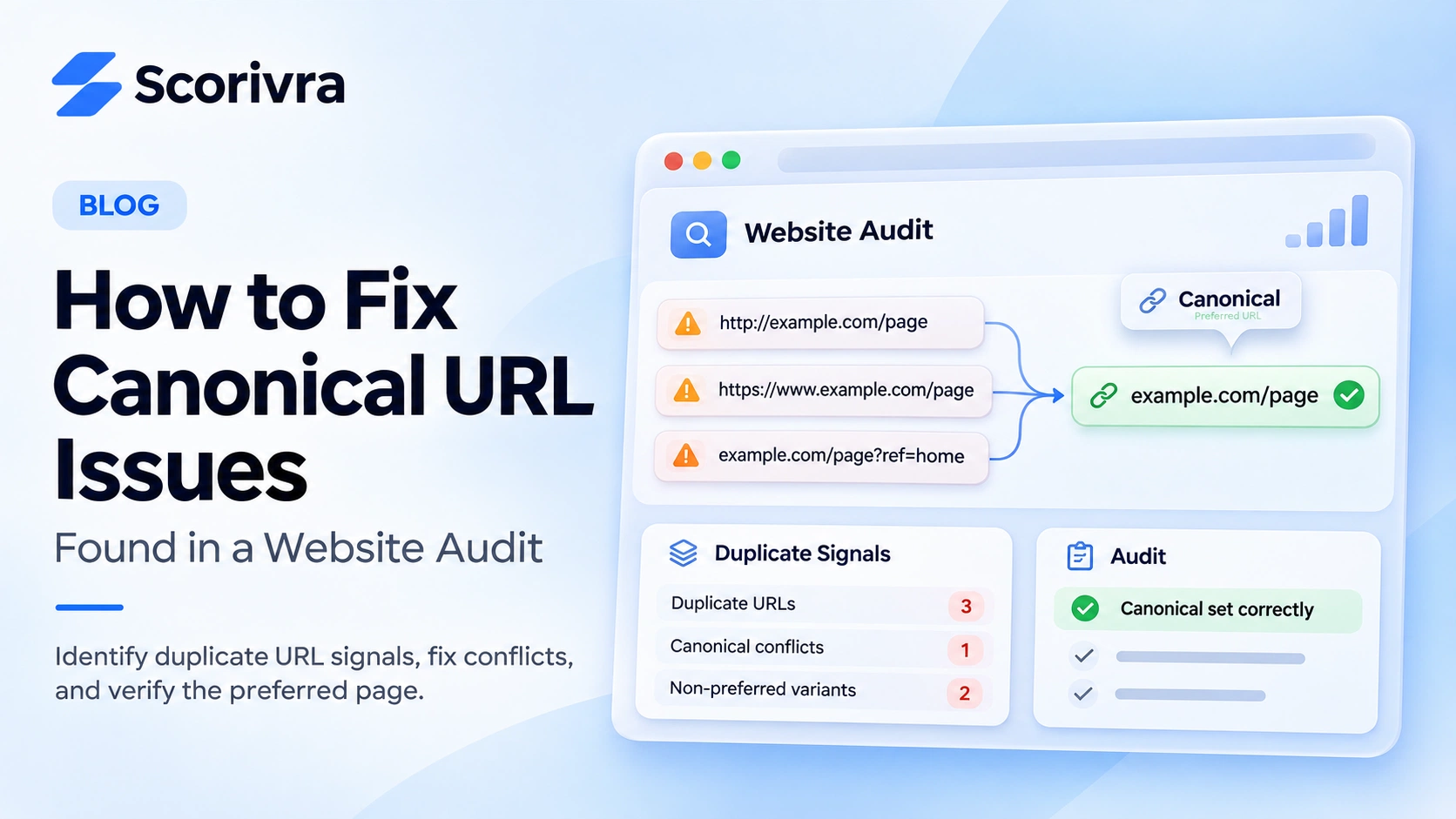
A website audit flags a canonical URL issue on one of your important pages.
The page loads normally, its content looks correct, and visitors can access it. So why is the audit reporting a problem?
Canonical URL issues occur when a website sends conflicting or incorrect signals about which version of a page should be treated as the preferred one.
These issues can make it harder for Google to identify the intended version of duplicate or similar content.
However, not every canonical warning is a serious SEO problem. The first step is to understand which URL Google has selected and whether that choice is actually incorrect.
Here's how to investigate, fix, and verify common canonical issues.
What Is a Canonical URL Issue?
A canonical URL is the representative address selected from a group of duplicate or substantially similar pages.
For example, a website might serve the same content at:
https://example.com/serviceshttps://www.example.com/serviceshttps://example.com/services?ref=homepage
These addresses are different URLs, even if they display essentially the same page.
A canonical annotation tells Google which version you prefer.
For example, the preferred URL might be:
https://example.com/services
The corresponding HTML annotation is:
<link rel="canonical" href="https://example.com/services">
Google treats this as a strong signal, not an absolute instruction. It may select another canonical URL when other signals suggest a different page is more appropriate.
Duplicate pages are also not automatically a violation of Google's search policies.
The real issue is whether an important page is being associated with the wrong URL or whether your website sends contradictory signals.
How to Identify Canonical Problems in Google Search Console
Before changing anything, confirm the actual issue.
Step 1: Inspect the Affected URL
Open Google Search Console and use the URL Inspection tool.
Enter the exact URL reported by your website audit.
Review the indexing information, particularly:
- User-declared canonical
- Google-selected canonical
- Indexing status
- Crawl and access information
The user-declared canonical is the preferred URL communicated by your website.
The Google-selected canonical is the URL Google has chosen as representative.
If these values differ, investigate why. A difference does not automatically mean Google made a mistake.
Step 2: Decide Whether the URLs Are Duplicates
Compare the content of the affected URL with the selected canonical page.
Ask whether they genuinely represent the same content.
For example, two URLs showing the same service page may reasonably share a canonical.
But separate pages for different services should not automatically point to one generic service page.
If the content serves distinct customer needs, the pages may need their own canonical URLs.
Step 3: Check for Conflicting Signals
Inspect the canonical annotation, redirects, internal links, and XML sitemap.
Look for cases where:
- A page declares one canonical but redirects elsewhere.
- Internal links consistently point to a different URL variant.
- The sitemap includes duplicate rather than preferred URLs.
- A canonical points to a missing or inaccessible page.
- Both
wwwand non-wwwversions remain available without a consistent preference.
These inconsistencies can make canonical selection more complicated.
How to Fix Common Canonical URL Issues
The correct solution depends on the cause.
1. Incorrect Canonical Tags
Suppose an important service page contains a canonical annotation pointing to the homepage.
If the service page has distinct content and should be indexed independently, that annotation may be inappropriate.
Update it to reference the intended service page.
For a self-referencing canonical, use the page's full preferred URL.
<link rel="canonical" href="https://example.com/services">
Place this annotation in the HTML document's <head> section.
If you use a content management system, review its SEO settings rather than editing generated HTML blindly.
2. HTTP, HTTPS, and WWW Inconsistencies
A site may expose the same content through multiple hostname or protocol variants.
Choose the preferred version and make the signals consistent.
For example:
- Redirect obsolete HTTP URLs to HTTPS.
- Redirect unwanted hostname variants to the preferred host.
- Use the same preferred hostname in canonical annotations.
- Update internal links and sitemap entries accordingly.
Permanent redirects are appropriate when the duplicate URL should no longer remain independently accessible.
Test redirects carefully to avoid loops, broken links, or unexpected destinations.
3. Duplicate URLs with Tracking Parameters
Tracking parameters can create additional URLs displaying the same main content.
For example:
https://example.com/services?campaign=spring
If this URL and the original page display equivalent content, the preferred canonical may be:
https://example.com/services
However, do not automatically canonicalise every URL containing parameters.
Some parameters change the content or represent genuinely different pages.
Review the actual page content before deciding.
4. Conflicting Canonical and Indexing Signals
Avoid using robots.txt or noindex as a substitute for canonicalisation.
Google specifically recommends against using these mechanisms simply to choose a preferred duplicate URL.
Also ensure that canonical annotations, redirects, internal links, and sitemap URLs do not point to contradictory destinations.
If several systems manage these signals, check for conflicting settings between your CMS, plugins, and server configuration.
How to Verify Your Canonical Fix
After correcting the issue, don't assume the problem is resolved simply because the page loads.
Follow a short verification process.
First, inspect the published page.
Confirm the canonical annotation identifies the intended URL and that redirects work as expected.
Second, check supporting signals.
Review internal links and sitemap entries to ensure they consistently favour the correct URL.
Third, use Google Search Console again.
Inspect the affected URL and review its canonical information.
For important pages, you can request indexing after making a meaningful correction.
Google may take time to recrawl and reassess the page. Submitting a request does not guarantee an immediate change.
Finally, compare indexing and search performance over time.
Fixing canonical problems helps establish clearer technical signals, but it does not guarantee higher rankings, more AI citations, or increased website traffic.
Check Canonical Issues with Scorivra Site Audit
Finding one incorrect canonical annotation manually is relatively straightforward.
The process becomes harder when multiple pages, redirects, and hostname variants need to be reviewed.
Scorivra's Site Audit checks technical SEO signals, including canonical consolidation issues.
You can run a free SEO audit to review the status of supported checks and identify whether technical issues require attention.
Paid plans provide detailed issue evidence, affected URLs, remediation guidance, and saved audit history for more extensive investigation and follow-up.
Scorivra identifies and reports issues; it does not automatically change your website's canonical settings.
Check Your Website's Canonical Signals
If you're unsure whether your website has conflicting canonical URLs, start with a technical check before making changes.
Run a Free SEO Site Audit with Scorivra
You can review the available audit results and decide whether you need more detailed technical evidence.
Frequently Asked Questions
Is a canonical URL mismatch always an SEO error?
No. Google can choose a different canonical from the one you declare. Investigate whether Google's selected URL correctly represents the content before treating the difference as a problem.
Should every page have a self-referencing canonical?
Self-referencing canonical annotations are recommended for pages intended to be their own preferred versions, but they are not mandatory for every website or page. Genuine duplicates may instead reference a shared preferred URL.
Will fixing canonical issues improve Google rankings?
Not necessarily. Correct canonical signals can help Google consolidate duplicate URLs and understand your preferred page, but ranking improvements are not guaranteed.
Final Thoughts
Canonical URL warnings should be investigated, not automatically treated as critical errors.
Start by checking Google's selected canonical, compare the affected pages, and identify conflicting technical signals.
Correct the underlying issue, verify the published changes, and monitor Google's reassessment.
For a broader technical review, Scorivra's SEO Site Audit provides a starting point for identifying canonical and other search-readiness issues.