
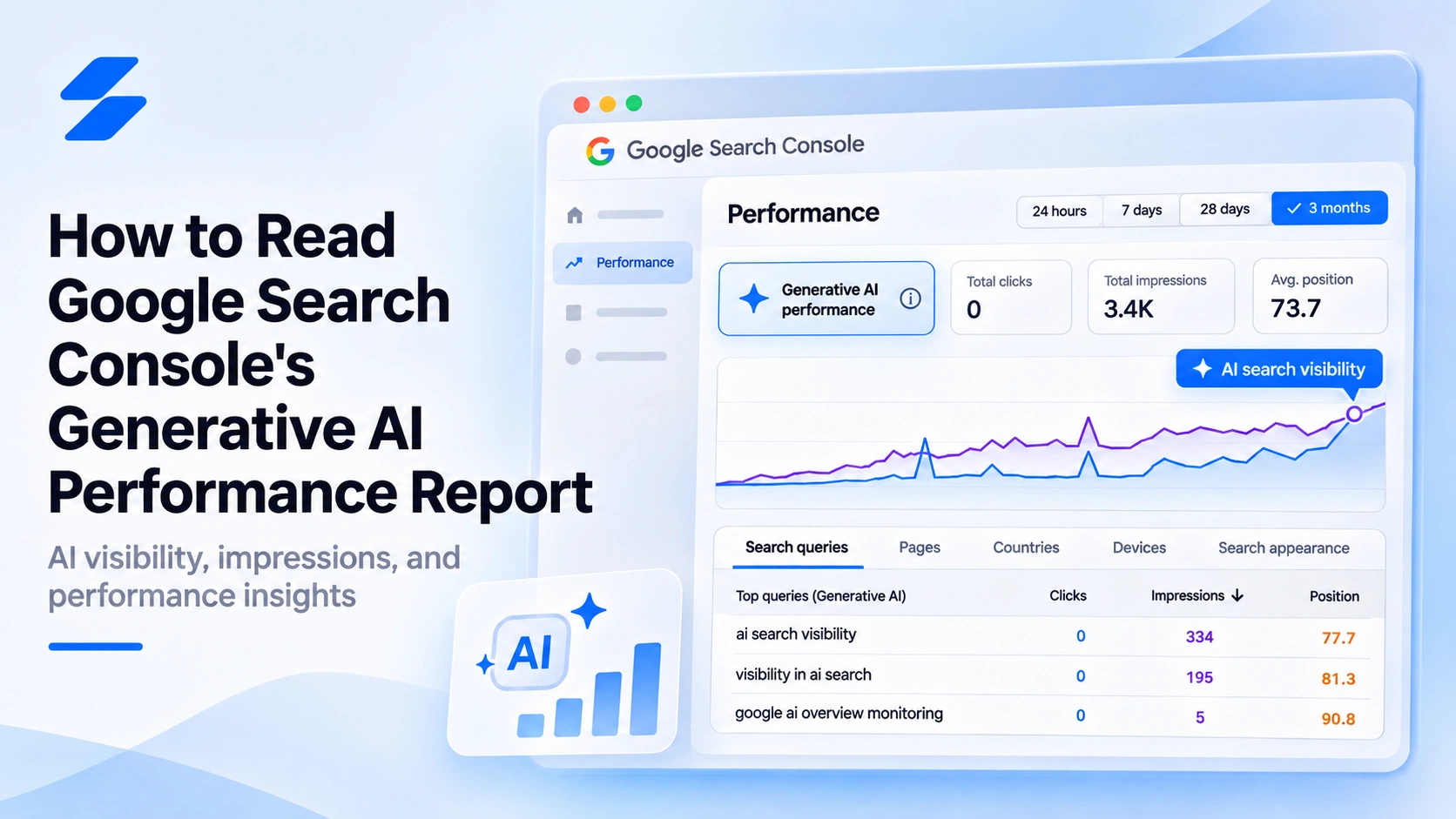
Google Search Console now provides a dedicated report for understanding how websites appear in Google's generative AI search features.
Instead of relying entirely on overall search impressions, website owners can examine which pages are appearing in AI Overviews and AI Mode, where those impressions originate, and how their visibility changes over time.
However, appearing in an AI-generated search result is not the same as receiving traffic, earning a recommendation, or outperforming competitors.
Understanding what the report measures — and what it leaves out — is essential before making decisions based on the data.
1. What Is the Generative AI Performance Report?
Google introduced its generative AI performance reports in June 2026 and expanded availability worldwide by the end of August.
The Search report focuses on impressions generated when links to your website appear within supported generative AI features, including AI Overviews and AI Mode.
It provides information about:
- Impressions: How often your website's links appear in supported AI search features.
- Pages: Which URLs receive those impressions.
- Countries: Where the searches originate.
- Devices: Whether visibility comes from desktop, mobile, or tablet searches.
- Dates: How impressions change across different periods.
This data is also included in Google's broader Search performance reporting. The dedicated report makes it easier to examine AI-related impressions separately.
Importantly, the report measures the visibility of website links. It does not establish how frequently an AI-generated answer recommends your business by name.
Google explains the report in its official Search Console documentation.
2. How to Read Your AI Search Impressions
Start by opening the Generative AI performance report for your verified Search Console property.
Choose a suitable date range and examine the overall impression trend before reviewing individual pages.
A consistent increase in impressions suggests that links from your website are appearing more frequently within the AI features covered by the report.
However, the total alone does not explain why visibility changed.
Examine the pages receiving impressions
Open the Pages tab to identify which URLs are being displayed.
For example, an educational article might receive more impressions than a service page. This could indicate that Google's AI features are surfacing your informational content for relevant searches.
It does not necessarily mean that the same searches are producing qualified visitors or customers.
Compare countries and devices
The Countries and Devices tabs provide further context.
If your business primarily serves customers in the United Kingdom, impressions originating elsewhere may be less commercially relevant.
Similarly, device-level differences can help you understand where your content is being encountered.
Review the reporting period
Avoid drawing conclusions from a single day's results.
Compare equivalent periods and account for changes in published content, indexing, and reporting conditions.
Google also identifies preliminary data that may change as processing continues.
3. What the Report Cannot Tell You
The generative AI report provides a useful view of link visibility, but it should not be treated as a complete AI search analytics platform.
There are several important limitations.
It does not provide a complete picture of competitor recommendations.
The report focuses on your website's impressions. It does not show every competing business mentioned in answers where your brand is absent.
Impressions do not equal visits.
An impression indicates that a link was displayed according to Google's reporting rules. It should not be interpreted as evidence that someone visited your website.
Link visibility is different from brand mentions.
An AI response may mention a business without linking to its website. Conversely, a website may appear as a supporting source without receiving a prominent business recommendation.
The report does not represent the entire AI search market.
Google's data covers supported Google Search features. It does not measure brand visibility across every other AI search experience.
These distinctions matter when evaluating whether AI visibility is contributing to business growth.
4. How to Combine AI Impressions With Other Visibility Metrics
A useful measurement approach separates three questions.
First: Are your website links appearing in Google's AI search features?
Google Search Console's generative AI report helps answer this through impression trends and page-level data.
Second: Is your business being mentioned or recommended in AI-generated answers?
This requires monitoring the answers themselves, using a consistent set of relevant customer questions.
Third: Does search visibility contribute to website visits or meaningful actions?
Traffic and conversion analysis require separate performance measurements, such as Google Analytics 4.
For example, a website might experience increasing AI search impressions while its brand remains absent from many relevant comparison or recommendation questions.
That is not necessarily a contradiction. The metrics describe different types of visibility.
Scorivra's AI Visibility features complement Google's reporting by tracking brand mentions, website citations, competitor presence, and Share of Voice across selected AI search questions.
Rather than replacing Search Console, this provides another perspective on how a business appears in AI-generated answers.
5. What to Do After Reviewing Your Results
Once you understand the report, focus on identifying meaningful changes rather than treating every fluctuation as a problem.
Begin with pages that receive relevant impressions. Review whether their content answers the questions your intended audience is likely to ask and whether the information remains accurate.
For important pages with little or no AI visibility, review basic search eligibility, crawlability, indexing, and content clarity before assuming the problem is specific to AI.
Google's guidance on AI features and websites confirms that established SEO fundamentals remain relevant. There is no separate technical requirement that guarantees inclusion in AI Overviews or AI Mode.
Finally, monitor customer-relevant questions over time to understand whether your business appears alongside competitors in AI-generated recommendations.
Search Console helps explain where your website links are appearing. Scorivra can help you examine how frequently your brand itself appears in tracked AI answers.
Together, these measurements provide a more informative view than either source alone.
Frequently Asked Questions
Does Google Search Console show AI Overviews impressions?
Yes. Its generative AI performance report includes impressions from supported Google Search features, including AI Overviews and AI Mode.
Can Search Console tell me which competitors AI recommends?
Not through the generative AI performance report. The report focuses on impressions for your own website. Competitor recommendation analysis requires a different form of AI response monitoring.
Why is my Generative AI performance report missing?
Google explains that the report may not appear when a website has insufficient impressions within supported generative AI search features. Its absence does not necessarily indicate a technical error.
Conclusion
Google Search Console's generative AI performance report provides a more focused way to understand where website links appear in Google's AI-powered search experiences. Examining impressions by page, country, device, and date can reveal patterns that are difficult to isolate in broader search reporting.
However, link impressions are only one part of AI visibility. Understanding whether your brand is recommended, how competitors appear, and whether visibility leads to meaningful business outcomes requires additional measurements. Combining Search Console with tools such as Scorivra can help businesses investigate those questions more systematically.