
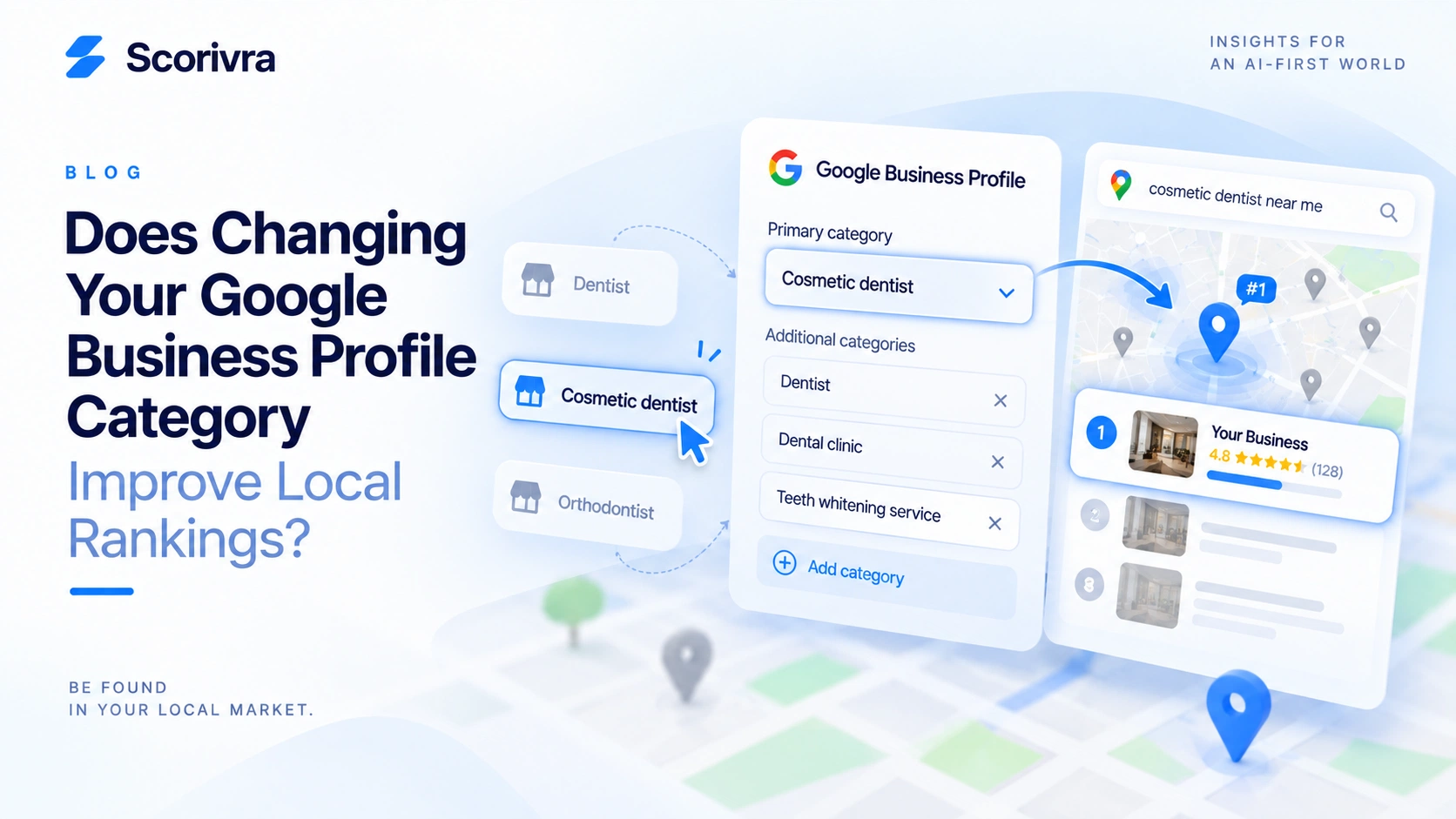
Does Changing Your Google Business Profile Category Improve Local Rankings?
Your Google Business Profile category matters for local search.
But changing it does not automatically improve your Google Maps ranking.
A category helps Google understand what kind of business you operate. Choosing a category that accurately and specifically represents your core business can therefore improve the information Google has about your business.
The mistake is treating categories like ranking keywords.
The goal is not:
“Which category can I choose to rank higher?”
The better question is:
“Which category most accurately describes what my business actually is?”
Here is how to make that decision.
Does Your Google Business Profile Category Affect Local Rankings?
Yes.
Google says the categories selected for a Business Profile affect local ranking.
This makes sense because one of Google's main local ranking factors is relevance.
Google describes relevance as how well a Business Profile matches what someone is searching for.
Your category provides Google with a direct description of the type of business you operate.
For example, compare:
Dentist
and:
Cosmetic dentist
If a clinic primarily operates as a cosmetic dentistry practice, the second category provides a more specific description of the business.
That does not guarantee a higher ranking for “cosmetic dentist near me.”
Google also considers distance and prominence when determining local results.
But choosing the correct category gives Google more accurate information about your business.
What Is a Primary Google Business Profile Category?
Your primary category describes the main type of business you operate.
Google recommends choosing a category that is as specific as possible while still accurately representing your main business.
For example, Google gives the general principle of choosing:
Nail salon
instead of the broader:
Salon
when “Nail salon” accurately describes the business.
The same logic applies to other industries.
A business might choose:
- Cosmetic dentist instead of a broader dental category
- Orthodontist when orthodontics is the actual core business
- Roofing contractor for a roofing company
- Physical therapist for a physical therapy practice
Specificity is useful only when it remains accurate.
Do not choose a more specific category simply because it contains a keyword you want to rank for.
What Is the Difference Between a Primary and Additional Category?
The primary category describes your main business.
Additional categories describe other legitimate parts of the business.
For example, imagine a clinic whose core business is cosmetic dentistry but that also provides general dental care.
It might use:
Primary category
Cosmetic dentist
Additional category
Dentist
The order matters conceptually because the primary category communicates what the business mainly is.
Google currently allows businesses to add up to nine additional categories.
That does not mean you should use all nine.
Google recommends using as few categories as possible to accurately describe the overall core business.
Should You Add Every Category Related to Your Services?
No.
This is one of the most important category mistakes to avoid.
Google's guidance distinguishes between:
what a business IS
and:
what a business HAS or offers
Categories should primarily describe the business itself.
Suppose an HVAC company offers:
- Air conditioner repair
- Furnace maintenance
- Heating installation
- Emergency repairs
That does not mean the company should search for a category corresponding to every individual service and add all of them.
Ask:
“Does this category describe a genuine type of business we operate?”
rather than:
“Do we offer something related to this phrase?”
Your service pages can describe individual services in much greater detail.
Your Business Profile categories should describe the business itself.
Should You Change Your Category to Match a Keyword?
Not unless the category accurately represents your business.
Suppose you want to rank for:
cosmetic dentist near me
You discover that “Cosmetic dentist” is an available category.
Should you immediately make it your primary category?
Only if cosmetic dentistry genuinely represents the core business.
Do not use this logic:
Target keyword → find similar category → change primary category
Use this instead:
Actual core business → find the most specific accurate category → confirm that your website and Business Profile represent the same business
Google specifically advises businesses not to use categories solely as keywords.
A category is a business classification, not a place to insert target search terms.
How Do You Choose the Right Primary Category?
Use three tests.
1. The “This Business Is a…” Test
Complete this sentence:
“This business is a ______.”
The category should fit naturally.
For example:
This business is a roofing contractor.
That works.
But:
This business is an emergency roof repair.
describes a service rather than the business itself.
Google uses essentially this same distinction in its category guidelines.
2. The Core Revenue Test
Ask which business type best represents the main operation.
A company may provide many services.
The primary category should not change every time one service becomes a marketing priority.
If 80% of the business revolves around one type of practice or service model, that is useful context when deciding what the business fundamentally is.
3. The Customer Expectation Test
Ask:
Would a customer consider this an accurate description of the business?
If the category would surprise or mislead a customer, it probably should not be the primary category.
Should You Copy the Primary Category of the #1 Competitor?
Not automatically.
Competitor categories are useful research.
They are not instructions.
Suppose the business ranking #1 for an important query uses:
Orthodontist
while your profile uses:
Dentist
That is worth investigating.
But it does not mean you should immediately switch categories.
First determine whether your business actually operates primarily as an orthodontic practice.
The competitor may:
- Have a different business model
- Specialize in different services
- Have different locations
- Have stronger prominence
- Be closer to the searcher
- Have a different website and local search footprint
Use competitor categories to identify questions.
Do not use them to justify an inaccurate category.
What If Google Doesn't Have the Exact Category You Want?
Choose the closest accurate category available.
Google does not allow businesses to create arbitrary custom categories.
If the exact category you want is unavailable, Google's guidance is to select the next best option that accurately describes the business.
Do not compensate by:
- Choosing an inaccurate category
- Adding keywords to your business name
- Selecting unrelated additional categories
- Changing categories repeatedly
Sometimes the most accurate available category will be broader than you would prefer.
That is acceptable.
Your website, services, Business Profile information, and other signals can provide additional context about what the business offers.
How Many Additional Categories Should You Use?
There is no reason to reach the maximum simply because Google allows additional categories.
Use the categories you genuinely need.
A useful decision process is:
Primary category What is the main business?
Additional category #1 Do we operate another legitimate part of the business?
Additional category #2 Does this describe another genuine business type rather than just one service?
Continue only while the answer remains yes.
More categories do not automatically mean more visibility.
Accuracy matters more than filling every available category slot.
Can Changing Your Google Business Profile Category Trigger Reverification?
Yes.
Google states that adding or editing categories may cause a business to be asked to verify again.
That means category changes should be deliberate.
Do not repeatedly switch categories simply to see whether rankings move.
Before making a significant category change:
- Confirm the current category
- Confirm why it may be inaccurate
- Identify the better category
- Record your existing local visibility
- Make the justified change
- Watch for verification requirements
- Measure what happens afterward
This creates a much cleaner process than category experimentation without a baseline.
How Can You Tell If Your Current Primary Category May Be Wrong?
Use this checklist.
Your category may need review if:
- [ ] It is much broader than your actual core business
- [ ] It describes a secondary part of the business instead of the primary one
- [ ] A more specific accurate Google category exists
- [ ] The business has changed significantly since the profile was created
- [ ] The category no longer reflects what customers primarily visit you for
- [ ] Your website clearly presents a different core business than your Business Profile
Your category should probably not be changed just because:
- [ ] A competitor uses another category
- [ ] One keyword has high search volume
- [ ] Your ranking dropped once
- [ ] Someone claims another category “ranks better”
- [ ] You want to target an additional service
- [ ] You have unused additional category slots
The difference is important.
The first group identifies potential accuracy problems.
The second group mostly identifies attempts to manipulate rankings without first establishing whether the category is appropriate.
Should Your Website Match Your Primary Category?
Your website should clearly support what the business actually is.
That does not mean repeating the exact category phrase on every page.
Suppose your primary category is:
Cosmetic dentist
A visitor should reasonably expect your website to make cosmetic dentistry a clear part of the business.
The site should explain:
- What the business does
- Which services it provides
- Where it operates
- How customers can contact or visit it
If the Business Profile presents one type of business while the website presents something completely different, investigate the inconsistency.
This is one reason Business Profile information should be reviewed alongside the website during a local SEO audit.
For a broader review process, see:
What Should a Local SEO Audit Check? A Practical Checklist for Businesses
How Do You Know Whether a Category Change Actually Helped?
Measure local visibility before and after the change.
Do not rely on one manual search.
For example, before changing the category, record your rankings for an important query across your target area.
Then compare the same query after the category change has been processed.
Look for:
- Average ranking changes
- Areas that improved
- Areas that stayed unchanged
- Areas that declined
- Competitor movement
A change from #8 to #5 at one search location is interesting.
A consistent improvement across many search locations is much more informative.
Google Maps rankings can vary depending on where the search happens, so geographic measurement matters.
For the detailed explanation of why, see:
Why Does My Google Maps Ranking Change Depending on Where I Search?
And for the full measurement method:
How to Track Google Maps Rankings Across a City: A Local Search Grid Guide
What If Rankings Do Not Improve After Changing the Category?
Do not immediately change the category again.
First confirm that the new category is actually more accurate.
Then remember that category selection is only one part of local search.
Google says local results are mainly based on:
- Relevance
- Distance
- Prominence
Your category can help Google understand relevance.
It cannot remove geographic distance.
It also does not replace other signals related to prominence or the broader information Google has about your business.
If the category is correct but visibility remains weak, investigate the rest of your local search presence rather than repeatedly changing the category.
How Does Scorivra Help Measure the Result?
Scorivra separates identifying potential issues from measuring actual visibility.
The Local Site Audit can help examine the local search foundation.
Google Maps Grid then measures actual Google Maps rankings across a 9×9 geographic grid.
This distinction matters when testing a Business Profile change.
An audit can help you identify something that may need attention.
The ranking grid helps answer a different question:
“Where can customers actually find the business?”
You can compare geographic visibility over time rather than assuming that a profile change improved rankings.
Scorivra also keeps Google Maps visibility separate from AI visibility.
Google Maps Grid measures Google Maps rankings geographically.
AI Local Grid is a separate location-based measurement of Gemini recommendations. It does not measure ChatGPT.
AI Search Visibility separately tracks brand visibility across ChatGPT, Google AI Overview, and Google AI Mode.
A change in one environment should not automatically be interpreted as improvement in another.
FAQ
Does my Google Business Profile category affect local rankings?
Yes. Categories help Google understand what type of business you operate and can affect local relevance. But category selection is only one part of local ranking.
What should my primary Google Business Profile category be?
Choose the most specific available category that accurately represents your core business.
How many additional Google Business Profile categories can I add?
Google currently allows up to nine additional categories. You do not need to use all of them.
Should I use all available additional categories?
No. Use only categories that genuinely describe your business.
Can I use categories as keywords?
No. Google specifically advises businesses not to use categories solely as keywords.
Should I copy my competitor's primary category?
Only if that category also accurately describes your own core business. Competitor categories are useful for research, not automatic instructions.
Can I create my own Google Business Profile category?
No. If the exact category you want is unavailable, choose the closest accurate option from Google's available categories.
Can changing my category require verification again?
Yes. Google says adding or editing categories may result in a request to verify the business again.
Will changing my primary category immediately improve my Maps ranking?
Not necessarily. Local ranking also depends on distance and prominence, so a category change does not guarantee a ranking increase.
How should I measure the result of a category change?
Record your visibility before the change and compare the same queries and geographic areas afterward. Avoid drawing conclusions from one manual Maps search.
Final Takeaway
Your Google Business Profile category matters, but it is not a ranking hack.
The right approach is:
Identify what your business actually is → choose the most specific accurate primary category → add only legitimate additional categories → confirm that your website supports the same business identity → measure local visibility before and after meaningful changes.
Do not change categories simply because a competitor ranks higher or a keyword looks attractive.
And do not judge the result from one Google Maps search.
The objective is not to find the category that appears to manipulate rankings.
It is to give Google accurate information about your business and then measure whether your actual local visibility changes.