
Is your website properly optimized for Google Search?
You don't need to purchase an expensive SEO tool just to begin checking your website.
A free SEO checker can help you review important technical and on-page signals, identify potential problems, and understand where your website may need attention.
Whether you run a local business, manage an online store, or operate a company website, regular SEO checks are a useful part of maintaining your online presence.
And with AI-powered search experiences becoming another way customers discover businesses, it can also be helpful to examine signals related to answer engines and generative AI search.
In this guide, you'll learn how to check your website SEO for free, what to review, and how to take the next steps using Scorivra.
Can You Really Check Your Website SEO for Free?
Yes. You can begin reviewing your website's SEO without paying for a subscription.
Free SEO tools can examine selected aspects of your website and help you spot common issues.
Depending on the tool, these checks may include:
- Page titles and meta descriptions
- Heading structure
- Crawlability and indexing directives
- Internal links
- Canonical tags
- Structured data
- Basic content organization
- Selected technical optimization signals
Some platforms also evaluate website signals related to AI search and local discoverability.
Keep in mind that a free scan may display only a selection of the available checks. It is a starting point for investigation rather than proof that every aspect of your website has been fully audited.
The most important thing is to identify issues that could affect your visitors or make your content harder for search engines to access and understand.
Step 1: Choose the Website You Want to Check
Start with your business website.
If you're reviewing SEO for the first time, your homepage is a reasonable place to begin.
Your homepage often introduces your business, connects visitors to important services, and helps search engines understand your website's overall purpose.
However, the homepage isn't the only page that matters.
Consider reviewing other important pages, including:
- Your main service pages
- Product category pages
- Important location pages
- Landing pages for your most valuable services
- Blog articles targeting relevant customer questions
For example, a dental clinic might have separate pages for dental implants, Invisalign, and cosmetic dentistry.
Checking only the homepage may not reveal potential problems on those individual service pages.
Prioritize the pages that matter most to your business.
Step 2: Run a Free Website SEO Check
Once you've selected your website, the next step is to run an audit.
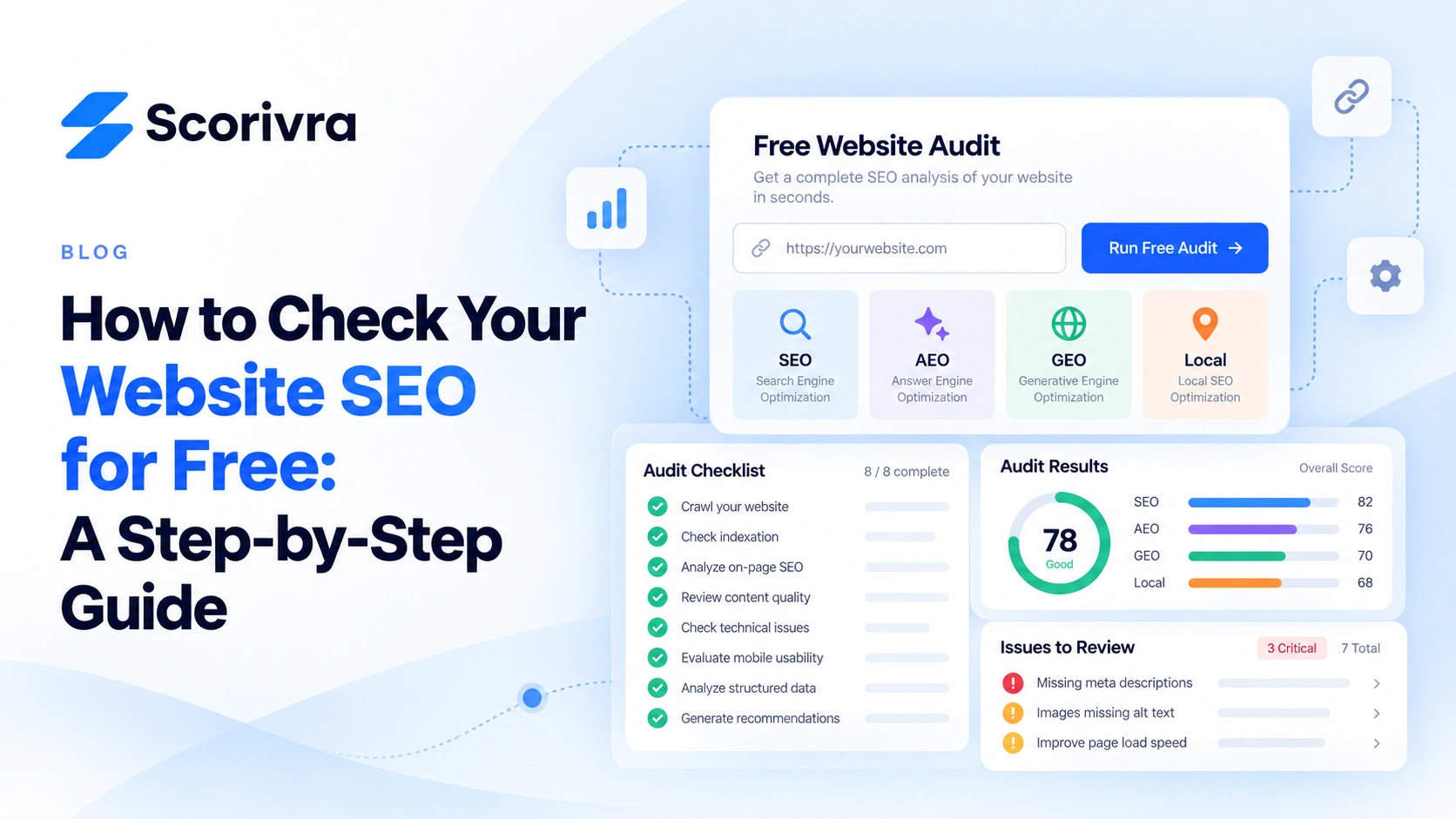
You can start with Scorivra's free Site Audit.
How to Get Started With Scorivra
- Visit Scorivra.
- Find the free Site Audit option.
- Follow the on-screen instructions to submit your website for analysis.
- Allow the audit process to complete.
- Review the results available in the free view.
You can begin reviewing your website without purchasing a paid plan.
Scorivra's Site Audit framework covers four optimization categories:
| Category | Focus |
|---|---|
| SEO | Traditional search engine optimization |
| AEO | Answer-oriented content and website signals |
| GEO | Optimization signals related to generative AI search |
| Local | Website signals relevant to local search |
The framework contains 30 defined checks in each area, totaling 120 rules.
The free experience provides access to a limited selection of audit findings. Additional detailed results and guidance are available through paid plans.
For an initial review, begin with the accessible findings and determine what deserves further investigation.
Step 3: Check Your Website's Crawlability
Before focusing on advanced optimization, make sure your website isn't unintentionally restricting access to important content.
Search engines use crawlers to discover and retrieve pages.
Certain website settings can affect this process.
Review Your Robots.txt File
Most websites can expose a robots.txt file at a URL such as:
https://example.com/robots.txt
This file provides crawling instructions to compatible bots.
An incorrect rule may prevent important sections of a website from being crawled.
For example:
User-agent: *
Disallow: /
This rule instructs compliant crawlers not to crawl any paths on the website.
That can be a serious problem if the restriction is unintended.
However, robots.txt does not itself guarantee that a page will be excluded from Google's search index.
You can learn more in our guide: Can Robots.txt Block Your Website From AI Search?.
Check for Accidental Noindex Directives
A noindex directive asks compliant search engines not to index a page when they can access and process the directive.
If an important service page accidentally includes this instruction, it can prevent the page from appearing in search results.
A site audit may help detect certain indexing directives, depending on its scope.
Remember that checking page directives is not the same as confirming Google's actual indexing status.
For that, use Google Search Console's indexing information.
Step 4: Review Your Page Titles and Meta Descriptions
Page titles are an important part of describing a webpage's subject.
A good title should be specific, understandable, and relevant to the content.
Consider these examples.
Unclear title:
"Home | Company"
More descriptive title:
"Emergency Plumbing Services in Manchester | Example Plumbing"
The second example provides more information about the service and location.
However, you should not add keywords or locations that don't accurately reflect your business.
What About Meta Descriptions?
A meta description provides a short summary of a page.
Search engines may use it when creating search snippets, although Google can also generate snippets from the page's content.
Review whether your important pages have descriptions that:
- Accurately summarize the content
- Help users understand what the page offers
- Avoid unnecessary repetition
- Clearly communicate the page's purpose
An SEO checker may flag missing or unusually long metadata.
Treat these findings as opportunities for review rather than automatic evidence of poor rankings.
Step 5: Examine Your Heading Structure
Headings help organize your content for readers.
They also provide useful context about the topics covered on a page.
A typical service page might use:
H1: Dental Implant Services in Manchester

H2: Who May Benefit From Dental Implants?

H2: What Happens During Treatment?

H2: How Much Do Dental Implants Cost?

H2: Frequently Asked Questions
This structure allows visitors to locate information more easily.
When reviewing headings, ask:
- Is the main subject clear?
- Do section headings accurately describe their content?
- Are related ideas grouped logically?
- Can readers quickly find answers to important questions?
There is no requirement that every page use an identical heading structure.
The goal is clarity, not passing an arbitrary heading-count test.
Step 6: Check Your Internal Links
Internal links connect pages within your website.
They help visitors navigate to related information and give crawlers paths to discover additional pages.
For example, a dental clinic's homepage might link to its service pages for dental implants, teeth whitening, and Invisalign.
Individual service pages could also link to useful related explanations.
When reviewing internal links, look for:
- Broken links
- Important pages that are difficult to reach
- Links with unclear anchor text
- Relevant pages that could be better connected
A small page-level audit may identify certain problems, but it cannot necessarily provide a complete internal linking analysis for a large website.
Focus on making your most valuable pages easy to discover.
Step 7: Review Your Website for AI Search Readiness
Website optimization increasingly involves more than traditional Google rankings.
Businesses also want to understand whether their content can be discovered and understood by AI-assisted search systems.
This introduces two commonly discussed areas:
Answer Engine Optimization (AEO)
AEO focuses on making content useful for question-based discovery.
For example, a service page may benefit from clearly explaining:
- What the service provides
- Who the service is intended for
- What customers should expect
- Frequently asked questions
- Important limitations or requirements
Answering these questions directly can improve the usefulness of your content.
Generative Engine Optimization (GEO)
GEO concerns optimization for generative AI search experiences.
A GEO-oriented website review may consider technical accessibility, content clarity, and other relevant website signals.
However, an audit cannot guarantee that an AI assistant will recommend or cite your business.
Actual AI visibility requires separate measurement of generated answers.
If you'd like to understand how website readiness is evaluated, read How Do I Know If My Website Is Ready for AI Search?.
Scorivra includes SEO, AEO, and GEO as separate Site Audit categories so businesses can examine different aspects of website optimization.
Step 8: Don't Ignore Local SEO
If your business serves customers in a particular area, local search deserves attention too.
A restaurant, dental clinic, estate agency, or plumbing company may depend heavily on people searching for nearby services.
When reviewing your website, consider:
Business information
Is your business name, address, and contact information accurate where displayed?
Service areas
Does your website clearly explain where your business operates?
Location pages
If you have multiple legitimate locations, does each relevant page provide useful location-specific information?
Google Business Profile
Is your business profile accurate and aligned with the information on your website?
Website optimization is only part of local SEO.
Google Maps rankings also depend on factors outside your website, and they can vary by search location.
For more detail, see What Should a Local SEO Audit Check?.
Step 9: Decide Which SEO Problems to Fix First
After reviewing your website, you may have several findings to investigate.
Not every issue deserves the same priority.
A practical approach is to evaluate the potential impact of each issue and how confidently you can identify the underlying problem.
For example:
| Potential Issue | Suggested Next Step |
|---|---|
| Important page unintentionally blocked from crawling | Investigate access restrictions promptly |
| Important page accidentally marked noindex | Confirm whether the directive is intentional |
| Broken links to key services | Repair relevant navigation paths |
| Missing or unclear page title | Write a descriptive, accurate title |
| Weak internal navigation | Improve links between related pages |
| Unclear service information | Expand or clarify the content |
These are illustrative priorities, not a universal severity ranking.
A missing title on an important landing page may deserve more attention than the same issue on a low-value page.
Likewise, a warning generated by a tool should be verified before you make changes.
Your goal is to resolve meaningful problems, not simply eliminate every notification.
Step 10: Monitor Your Website After Making Changes
An SEO check is a useful starting point, but improvements need to be evaluated over time.
After updating your website, monitor relevant performance data.
Google Search Console can help you review:
- Search impressions
- Organic search clicks
- Queries associated with your pages
- Search performance trends
- Indexing information
Google Analytics 4 can help you understand identifiable website visits and what users do after arriving.
If you make technical or content changes, compare relevant periods while considering the limitations of your available data.
A website audit score may change after an improvement, but a higher score does not guarantee more visitors or customers.
For example, fixing a metadata issue may improve clarity without producing an immediate ranking change.
SEO improvements should be evaluated through relevant search and business outcomes—not scores alone.
Why Use Scorivra for a Free Website Check?
Scorivra provides a starting point for reviewing several aspects of website optimization within one audit framework.
Instead of focusing only on traditional SEO, it separates checks into:
- SEO
- AEO
- GEO
- Local
This helps businesses distinguish conventional website optimization from issues related to answer-oriented, AI-assisted, and local discovery.
Its free Site Audit allows you to begin examining your website without purchasing a subscription.
If you later need more detailed findings and recommendations, additional access is available through paid plans.
For businesses that want to improve their search visibility, the first step is simply understanding what might need attention.
Start with Scorivra's free website audit.
Frequently Asked Questions
Can I check my website SEO for free?
Yes. Free SEO checkers can review selected technical and on-page optimization signals. Scorivra offers a free Site Audit experience that includes a limited view of its audit findings.
Do I need to pay to run a Scorivra website audit?
No. You can start with the free Site Audit. More detailed findings and guidance are available through paid plans.
Can an SEO checker tell me why my website isn't ranking?
It may identify technical or content issues worth investigating. However, ranking performance depends on many factors, and an audit cannot determine every reason a page ranks poorly.
How often should I check my website SEO?
A useful schedule depends on how frequently your website changes. Consider running checks after major redesigns, important technical changes, or substantial updates to key pages.
Does a good SEO audit score guarantee higher Google rankings?
No. An audit score summarizes the checks used by a particular tool. It does not guarantee a ranking position, more traffic, or additional sales.
Can I check my website's AI search readiness for free?
Some website audit tools include checks relevant to AI-assisted discovery. Scorivra's audit framework includes AEO and GEO categories, with selected findings accessible through its free experience.
Will passing a GEO audit make my business appear in ChatGPT?
Not necessarily. A GEO audit evaluates selected website signals. Whether your business appears in AI-generated answers is a separate measurement question, and a successful audit does not guarantee recommendations or citations.
Final Thoughts
Checking your website's SEO doesn't have to begin with an expensive subscription.
A free website audit can help you get started, examine selected optimization signals, and identify areas that deserve further attention.
Begin with your most important pages.
Review crawlability, metadata, headings, internal links, and relevant content.
If your business depends on AI-assisted or local discovery, consider those optimization areas too.
Then focus on addressing verified issues and measuring the results.
Ready to see what your website's free audit reveals?
Check your website with Scorivra and take the first step toward understanding your SEO, AEO, GEO, and local search readiness.