
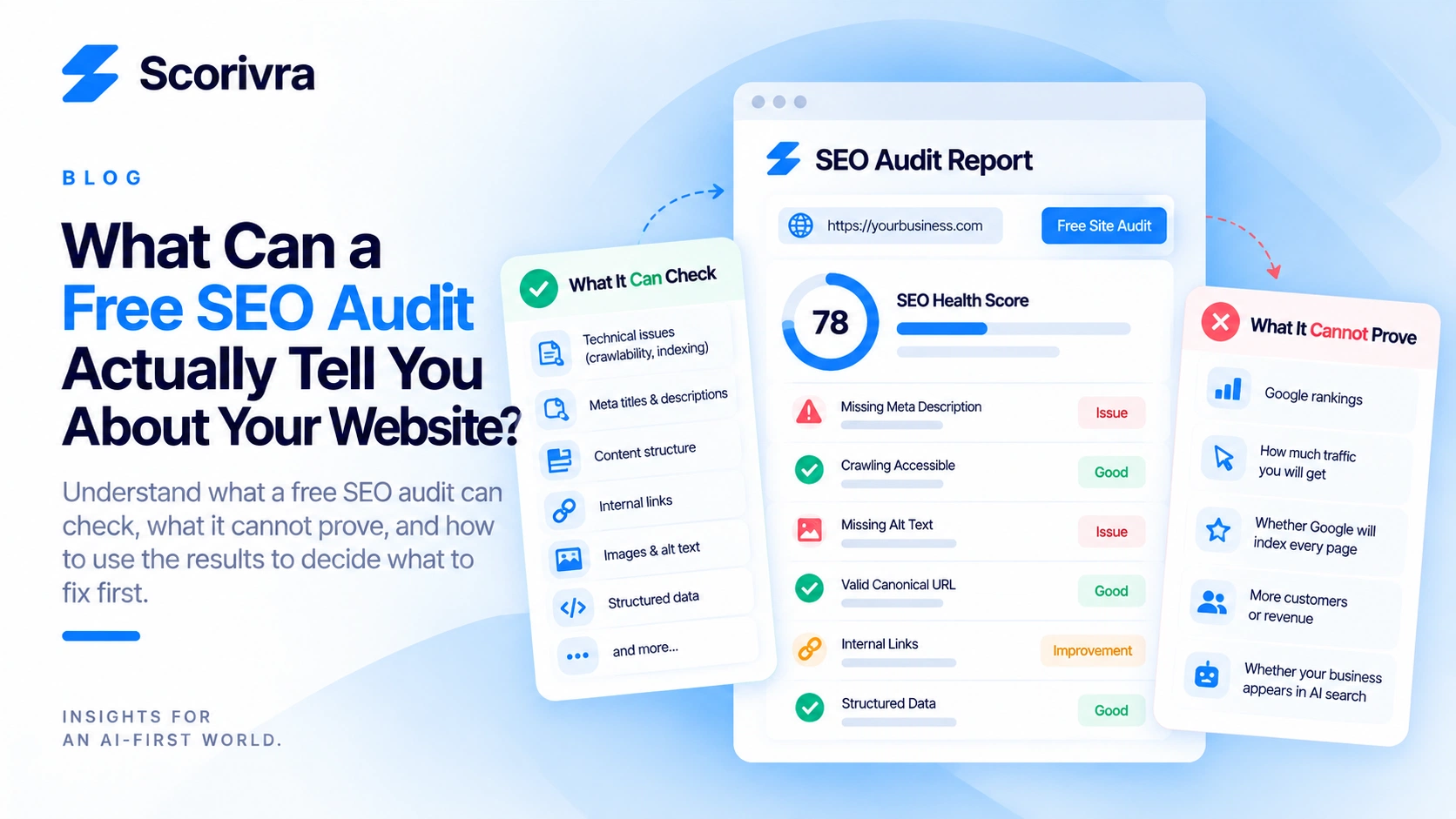
What Can a Free SEO Audit Actually Tell You About Your Website?
Your website is online, your services are listed, and customers can visit your pages. But you still don't know whether your website has problems affecting its ability to appear in Google Search.
Should you pay for an SEO consultant? Rewrite your website? Invest in backlinks?
Before spending money, a free SEO audit can help you identify problems that are detectable directly on your website.
However, not every free SEO audit checks the same things, and even a technically healthy website is not guaranteed to rank well.
Understanding what an audit can and cannot tell you is the first step toward making better SEO decisions.
What Does a Free SEO Audit Actually Check?
A free SEO audit examines detectable website signals that may affect how search engines crawl, interpret, and process your pages.
Depending on the tool, an audit may evaluate technical accessibility, indexing directives, metadata, content structure, and other on-page SEO elements.
These checks help identify potential issues. They do not establish whether Google has indexed every page or whether your website will rank for a particular keyword.
Here are six areas worth reviewing.
1. Can Search Engines Access Your Website?
Search engines need to access your content before they can evaluate it for search results.
An SEO audit may identify issues such as:
- HTTP errors that prevent successful page loading
- Robots.txt restrictions affecting crawling
- Noindex directives
- Redirect problems
- Other detectable accessibility issues
For example, a website may look normal to visitors while accidentally restricting search engine crawlers.
What to do: Review any reported crawling or indexing restrictions before changing your content.
Remember that robots.txt and noindex serve different purposes. A robots.txt rule controls crawling, while a noindex directive controls whether a supported search engine should index a page.
2. Are Your Page Titles and Meta Descriptions Useful?
Page titles help search engines and visitors understand what a page is about.
A free SEO audit may check whether important metadata exists and whether it has potential structural problems.
Common issues include:
- Missing title elements
- Duplicate or generic titles
- Missing meta descriptions
- Titles that do not clearly describe the page
- Metadata that does not match the page's purpose
Consider a dental clinic offering dental implants.
A generic title such as "Our Services" provides limited context.
A descriptive title such as "Dental Implant Treatment in Manchester | Example Dental Clinic" communicates the service and location more clearly.
That does not guarantee a better ranking, but it helps make the page's purpose explicit.
What to do: Give each important page a descriptive title that accurately represents its content.
3. Does Your Website Have a Clear Content Structure?
A logical heading structure makes content easier to navigate and helps communicate how information is organized.
An SEO audit may examine heading elements and other document-structure signals.
Potential problems include:
- Missing primary headings
- Repeated generic headings
- Headings that do not describe their sections
- Poorly organized content
However, having perfectly structured headings does not automatically make a page useful.
A page with excellent HTML structure but almost no meaningful information may still struggle to satisfy search intent.
What to do: Use headings to organize genuinely useful information rather than adding keywords simply to satisfy an audit check.
4. Are Your Canonical and Indexing Signals Consistent?
Canonical and indexing signals help search engines understand which URLs you prefer to appear in search results.
A technical audit may identify detectable issues involving canonical elements or indexing directives.
For example, your website might contain two similar URLs:
- example.com/services/roof-repair
- example.com/roof-repair
If both represent substantially the same content, inconsistent canonical signals may create confusion about the preferred URL.
A canonical tag is a signal rather than an absolute instruction. Google may select a different canonical URL.
What to do: Review flagged canonical or indexing issues, then use Google Search Console to confirm how Google interprets the affected URL.
5. Are Important Website Elements Missing?
SEO audits can help identify missing or potentially problematic on-page elements.
Depending on the audit's coverage, these may include:
- Image alternative text
- Important HTML metadata
- Link-related attributes
- Structured data implementation
- Document-level technical signals
Not every missing element has the same impact.
For example, missing descriptive alternative text on an informative image may affect accessibility and how search engines understand that image.
But fixing one missing attribute does not guarantee a measurable improvement in organic traffic.
What to do: Evaluate each finding according to its relevance to the page and the people using it.
6. Are Problems Limited to One Page or Repeated Across Your Website?
A single-page problem and a sitewide template problem require different responses.
For example, a missing title on one service page may be an isolated mistake.
If every service page uses the same generic title, the issue may originate from your website template or content management system.
A limited audit cannot establish that every page has been checked.
Scorivra's Site Audit evaluates a defined set of pages rather than performing an unlimited crawl of your entire website.
What to do: Treat the audited pages as a starting point. If an issue appears to come from a shared template, inspect other pages that use the same template.
What Can a Free SEO Audit Not Tell You?
A free SEO audit cannot prove that Google will rank your website, that customers will click your pages, or that fixing every warning will increase revenue.
This distinction matters because website health and search performance are related but separate concepts.
| Question | Can a technical SEO audit answer it? | |---|---| | Does the audited page contain a noindex directive? | Yes, if the check is supported | | Are important metadata elements missing? | Yes, if the check is supported | | Are detectable technical problems present? | Yes, within the audit's coverage | | Has Google indexed a particular URL? | Not definitively; use Search Console | | Why does a competitor rank above my business? | Not from technical checks alone | | Will fixing an issue improve rankings? | No guarantee | | How many customers will SEO generate? | No | | Does my business appear in ChatGPT answers? | Requires separate AI visibility measurement |
An audit provides diagnostic evidence, not a prediction of business results.
If you want to understand whether your site has detectable technical SEO problems, start with Scorivra's Free Site Audit. Review the SEO findings and their supporting explanations before deciding what to change.
Is a Free SEO Audit Enough for a Small Business?
A free SEO audit is a useful first step for a small business, but it is not a complete SEO strategy.
Consider a local roofing company.
The business owner notices that the website receives very few inquiries.
A technical audit identifies missing metadata and a potentially problematic indexing directive.
Fixing those issues may remove obstacles that affect search accessibility.
However, the company may still need to investigate:
- Whether its service pages match relevant customer searches
- Whether its Google Business Profile is accurate
- Whether its pages receive impressions and clicks
- Whether its website communicates services and locations clearly
- Whether visitors can easily request an estimate
These are different questions requiring different evidence.
For businesses serving a specific geographic area, our local SEO audit checklist explains additional factors worth reviewing.
The practical approach: Use a technical audit to identify detectable problems, then combine its findings with search performance and business information.
How Should You Prioritize SEO Audit Findings?
Prioritize audit findings according to their potential impact, affected pages, and confidence in the diagnosis rather than treating every warning as equally important.
A useful starting framework is:
| Priority | Example | Recommended action | |---|---|---| | High | Important page unintentionally marked noindex | Investigate and correct the directive | | High | Important page returns a server error | Restore reliable page access | | Medium | Incorrect canonical configuration | Review preferred URLs and canonical signals | | Medium | Important service page has a generic title | Write a descriptive, accurate title | | Lower | Minor metadata recommendation | Evaluate after more significant issues | | Investigate | A warning with unclear business impact | Verify before making changes |
These priorities are illustrative, not universal. A finding's actual importance depends on the affected page and the business context.
For example, an indexing restriction on your primary service page deserves more attention than a minor metadata suggestion on a rarely visited informational page.
Should You Fix Every Warning Immediately?
No. An audit warning is a reason to investigate, not an instruction to make an automatic change.
Some recommendations are contextual.
A missing meta description may be worth addressing, but Google can generate search snippets from page content.
Similarly, a page with a technically valid title may still perform poorly if it does not match relevant searches.
Focus first on issues that are confirmed, actionable, and relevant to important pages.
What Does an SEO Audit Score Actually Mean?
An SEO audit score summarizes how a website performed against a particular tool's evaluation rules.
It is not a Google ranking score.
Different tools may use different checks, thresholds, weights, and scoring methods.
That means a score of 85 from one audit tool is not necessarily equivalent to a score of 85 from another.
Scorivra provides SEO audit scores based on its defined rules, with findings and guidance to help explain the results.
The individual findings are more useful than the number alone.
For a detailed explanation, read how to interpret a 60/100 website audit score.
What to do: Use the score as a summary, then inspect the underlying findings before making decisions.
How Can You Check Whether SEO Fixes Are Working?
Use Google Search Console to evaluate search performance after making changes.
A technical audit can help identify problems and support follow-up checks, but it does not independently establish the effect of those fixes on Google Search traffic.
Start by recording the affected pages and the issues you intend to address.
Then:
- Fix the confirmed problem.
- Verify that the technical issue has been resolved.
- Inspect important URLs in Google Search Console.
- Monitor impressions, clicks, and relevant queries over time.
- Compare performance over a meaningful period.
- Avoid attributing every change in traffic to one technical fix.
Search performance can change because of competition, seasonality, search demand, and other factors.
If your impressions increase without a corresponding increase in clicks, our guide on Google Search impressions versus clicks explains how to investigate that situation.
What to do: Separate successful technical fixes from actual changes in search visibility and customer behavior.
FAQ
Can I Run a Free SEO Audit Without Paying?
Yes. Some website audit services provide free checks with limited coverage or access to findings.
Scorivra offers a Free Site Audit that lets you review a limited set of SEO findings before deciding whether you need more detailed analysis.
Does a Free SEO Audit Improve Google Rankings?
No. Running an audit does not directly improve rankings.
An audit can identify issues worth fixing, but search performance depends on many factors beyond technical website checks.
Is a 100/100 SEO Audit Score Necessary?
No. A perfect score is not a requirement for ranking in Google Search.
The score reflects the tool's evaluation rules, not Google's complete ranking systems.
How Often Should a Small Business Run an SEO Audit?
Run an audit after significant website changes and periodically to identify new technical issues.
Useful checkpoints include website redesigns, major content updates, URL changes, and changes to important page templates.
The appropriate frequency depends on how often the website changes.
Can an SEO Audit Show Whether My Business Appears in AI Search?
A conventional technical SEO audit cannot directly establish whether your business is mentioned or cited in AI-generated answers.
Technical readiness and measured AI search visibility are separate questions.
Scorivra's AI Search Visibility feature is designed to measure visibility across supported AI search environments, while Site Audit evaluates website-side signals.
Final Takeaway: Use an SEO Audit to Make Better Decisions
A free SEO audit is most useful when it helps you answer three practical questions:
- What detectable problems exist on my website?
- Which findings are important enough to investigate first?
- What should I verify after making changes?
It cannot guarantee rankings, predict revenue, or replace Google Search Console.
But it can provide a structured starting point instead of relying on guesswork.
If you want to identify potential technical SEO issues before investing more time or money, run a free Scorivra Site Audit and review the findings for your website.